What Is a Digital Restaurant Menu? Every Option Compared
What Is a Digital Restaurant Menu? Every Option Compared
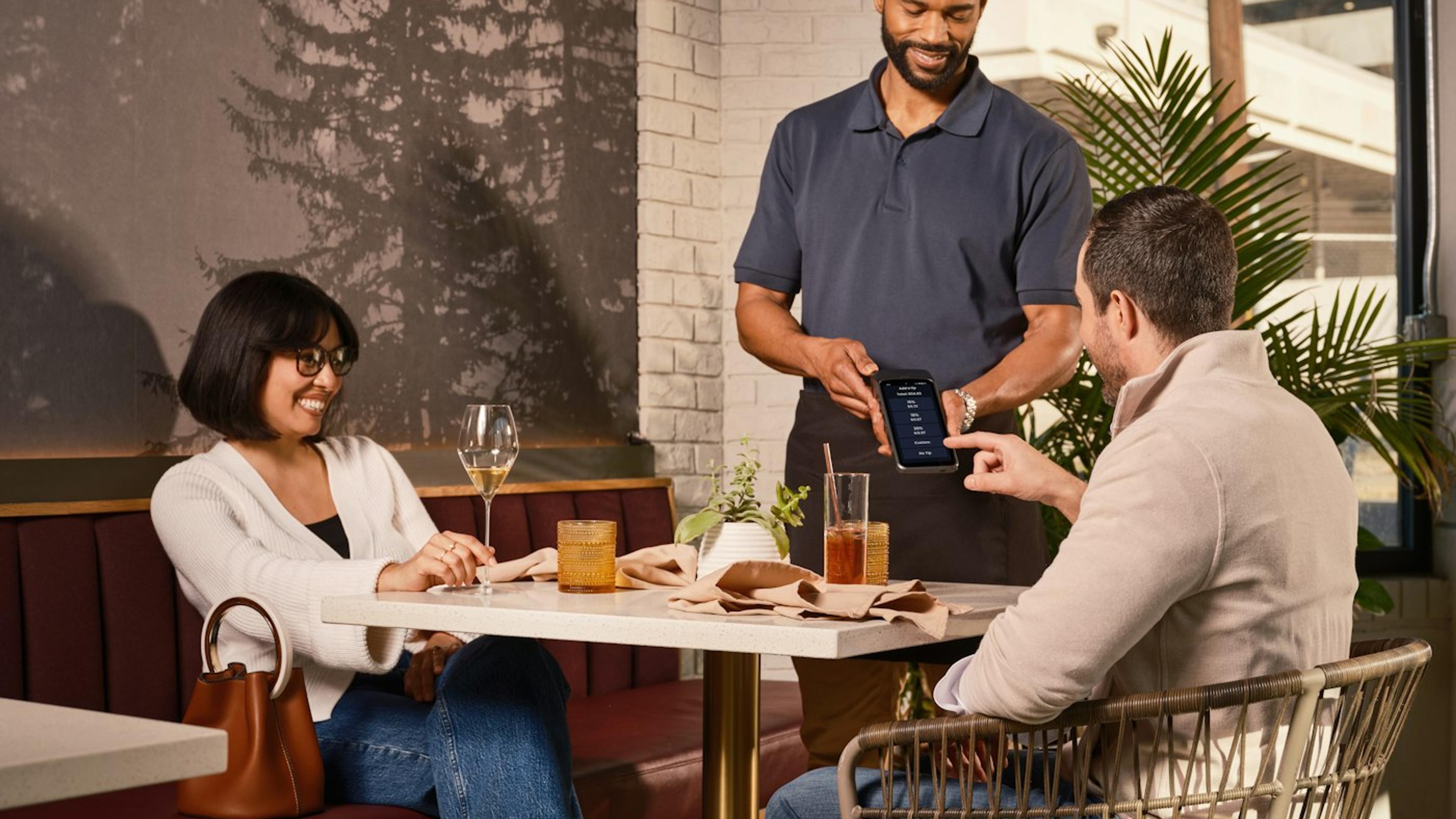
A guest sits down, and instead of a laminated booklet, they see a screen, or their own phone. That's a digital restaurant menu. But "digital menu" covers several very different setups: a QR code the guest scans with their own phone, a tablet handed to them or bolted to the table, a self-service kiosk near the entrance, an app they have to download, or an NFC tag they tap. Each works differently, costs differently, and fits a different kind of restaurant.
This guide compares them side by side so you can pick the right one instead of guessing.
1. What Counts as a Digital Restaurant Menu
Any menu a guest views on a screen instead of paper counts as a digital menu. In practice, five formats cover almost every restaurant you'll see today:
- QR code menu - guest scans a code with their own phone, menu opens in the browser.
- Tablet menu - a restaurant-owned device, handed to the table or mounted on a stand.
- Self-service kiosk - a larger fixed screen, usually near the entrance or counter, for ordering and paying without a server.
- In-app ordering - guest downloads the restaurant's own app to browse and order.
- NFC tap menu - guest taps their phone near a tag instead of scanning a code; technically points to the same web menu as a QR code.
2. QR Code Menus
The guest's own phone is the device, so there's nothing for the restaurant to buy, charge, or repair. A code on the table, a placemat, or a window decal opens the menu instantly in the browser - no app, no account. For restaurants that want the fastest, cheapest way to go digital, this is usually the starting point. We cover exactly how one works and how to set it up in our complete QR code menu guide.
3. Tablet and Kiosk Menus
Tablets and kiosks are restaurant-owned hardware: durable stands, sometimes locked-down devices, sometimes full self-checkout kiosks. They make sense for high-volume, fast-casual concepts where guests are used to ordering and paying at a screen before sitting down. The tradeoff is upfront hardware cost, breakage and charging to manage, and a less personal experience than browsing on a device the guest already knows how to use.
4. In-App Ordering
An app can offer loyalty points, saved orders, and push notifications, but it asks for something a QR code never does: an install. Most guests won't download an app for a single meal, especially tourists or first-time visitors. In-app ordering tends to pay off only for restaurants with a large base of frequent, repeat customers who already come back often enough to justify the download.
5. NFC Tap Menus
NFC works almost identically to a QR code: the guest's phone opens the same web-based menu, just triggered by a tap near a tag instead of a camera scan. It's a nice option to offer alongside a QR code for guests with an NFC-enabled phone, but on its own it doesn't replace the need for a QR code, since not every guest will know to tap rather than scan.
6. Comparing Cost, Setup Time, and Guest Experience
For most independent and full-service restaurants, the QR code menu wins on every practical measure: no hardware to buy, a menu you can publish in minutes, and an experience guests already understand from years of scanning codes elsewhere. Tablets and kiosks earn their cost back in high-traffic, self-order formats. Apps only make sense once repeat-visit volume is genuinely high.
Which Digital Menu Is Right for Your Restaurant
If you're digitizing your menu for the first time, start with a QR code menu: lowest cost, fastest to launch, and guests already have the device in their pocket. You can always add NFC or a self-service kiosk later if your format calls for it.
Ready to see it in practice? Read how to digitize your restaurant menu step by step, compare free vs paid QR code menu tools, or go straight to our QR code menu page to see what Eazmenu offers.
Related Posts

Eazmenu vs Paper Menu: What Actually Changes for Your Restaurant
A direct comparison of Eazmenu's digital QR code menu against a traditional paper menu: cost, update speed, languages, and what changes for your restaurant.
Eazmenu vs a Generic QR Code Generator: What's the Real Difference
A free QR code generator just links to a PDF. Eazmenu is a full digital menu platform. Here's what actually differs and why it matters for a restaurant.

No-Print Menu Management Software: Update Dishes and Prices in Seconds
No-print menu management software: how to update dishes and prices in seconds, and never reprint a menu again.