Eazmenu vs a Generic QR Code Generator: What's the Real Difference
Eazmenu vs a Generic QR Code Generator: What's the Real Difference
Short answer: A generic QR code generator only creates a code that points to a URL - usually a PDF or a Google Doc you uploaded yourself. Eazmenu is a full menu management platform: the QR code is just the entry point to a structured, mobile-optimized, auto-translated, instantly-updatable menu with a real dashboard behind it. The QR code looks similar; what it leads to is not.
Eazmenu vs Generic QR Code Generator at a Glance
| Generic QR Generator + PDF | Eazmenu | |
|---|---|---|
| What the code links to | A static PDF or image you uploaded | A structured, mobile-optimized menu |
| Mobile experience | Often unreadable, tiny text, pinch-to-zoom | Built for phone screens by default |
| Updating a price | Re-export the PDF, re-upload, re-host | Edit directly, live instantly |
| Languages | One PDF per language, manually created | Automatic translation, 20+ languages |
| Allergen structure | Free text, easy to overlook | Structured fields per dish |
| Analytics | None | Views, popular dishes, basic reporting |
| Ongoing cost | Free code, but manual upkeep every change | Managed platform, free tier available |
1. A QR code is not a menu system
A QR code is just a pointer - a shortcut to a URL. A free generator will happily create one in seconds, but it has no opinion about what that URL contains. Most restaurants that go this route point it at a PDF export of their existing paper menu, which brings every paper-menu problem along for the ride: it's not mobile-friendly, it can't be searched or filtered, and updating it means re-exporting and re-hosting the file every time something changes.
2. Where the PDF-behind-a-QR-code approach breaks down
A PDF designed for print doesn't resize for a phone screen - guests end up pinching and zooming through a document that was never meant to be read on a 6-inch display. There's no structure a browser can use to translate it automatically, no way to flag allergens consistently, and no way to see whether anyone is actually opening it.
3. What Eazmenu adds on top of the QR code
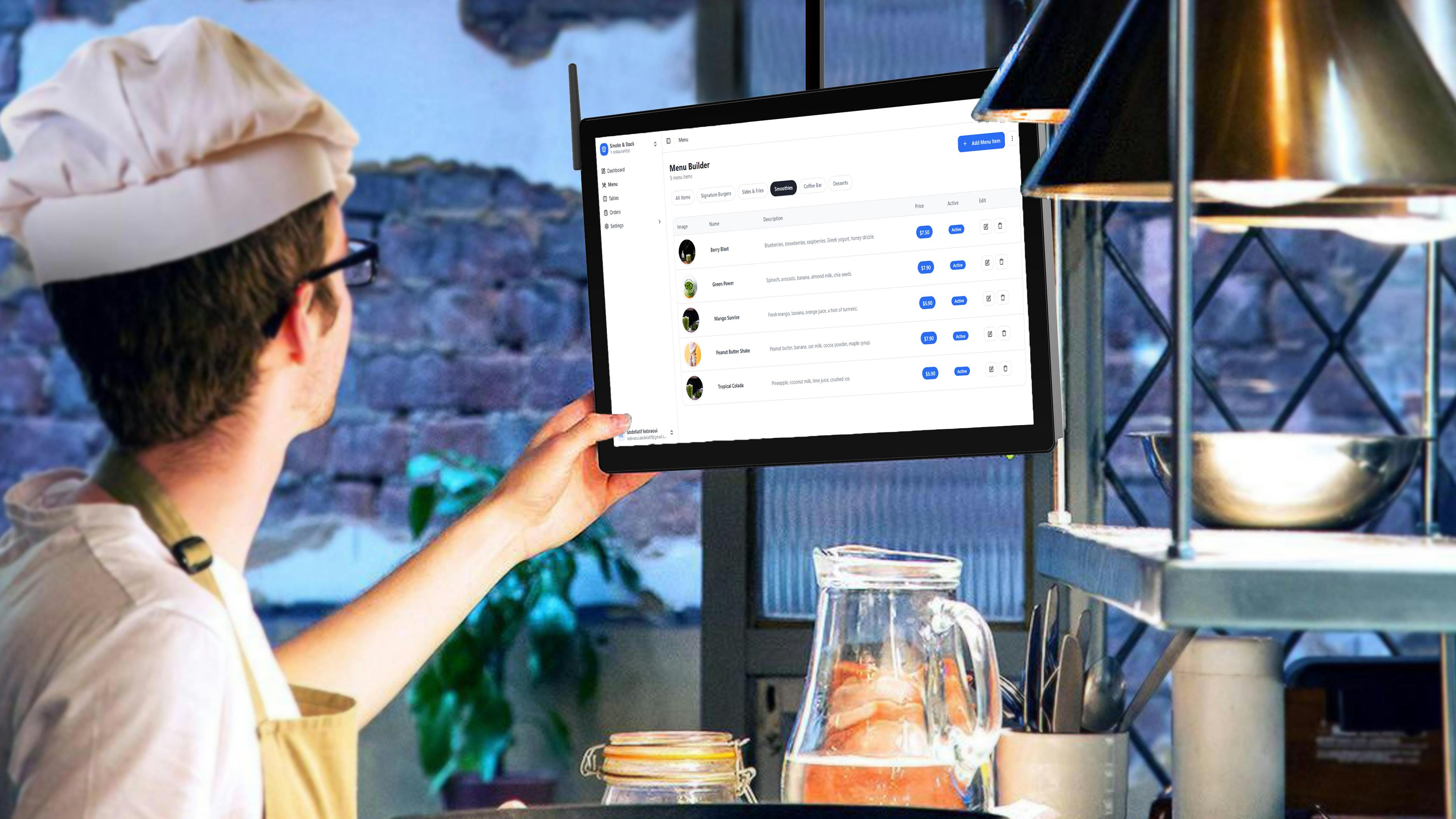
With Eazmenu, the QR code points to an actual mobile-first menu, not a document. Dishes, prices, and descriptions live in a dashboard, not a design file, so an update takes effect the moment you save it - no re-export, no re-hosting. Every dish can carry structured allergen tags and automatic translation into 20+ languages, plus basic analytics on what guests are actually viewing.
4. When a plain QR code might be enough
For a genuinely static, one-page, one-language menu that will never change - a pop-up stand or a very small, fixed offering - a free QR code linking to a simple page can work. The moment prices change seasonally, guests order in more than one language, or you want to know what's actually getting viewed, that approach runs out of road fast.
The bottom line
The QR code itself is the easy 5% - any generator can make one for free. The other 95% is what it points to: whether it's readable on a phone, whether it updates without a re-export, and whether it speaks your guests' languages. That's the part a generic QR generator doesn't provide and Eazmenu is built specifically to handle.
See it in practice on the QR code menu page, compare free vs paid QR code menu options, or check pricing to get started.
Related Posts

Eazmenu vs Paper Menu: What Actually Changes for Your Restaurant
A direct comparison of Eazmenu's digital QR code menu against a traditional paper menu: cost, update speed, languages, and what changes for your restaurant.

What Is a Digital Restaurant Menu? Every Option Compared
QR code, tablet, kiosk, or app - digital restaurant menus come in different forms. Here is how each one works and which is right for your restaurant.

No-Print Menu Management Software: Update Dishes and Prices in Seconds
No-print menu management software: how to update dishes and prices in seconds, and never reprint a menu again.