No-Print Menu Management Software: Update Dishes and Prices in Seconds
No-Print Menu Management Software: Update Dishes and Prices in Seconds
A price changes, a reprint. A dish gets pulled, another reprint. A new chef's special, one more reprint. Add those small costs up over a full year and the total surprises almost every owner who actually runs the numbers. No-print menu management software fixes this for good.
Why Reprinting Your Menu Costs More Than You Think
Paper, ink, layout fees, the time spent approving each new version: a regularly reprinted menu adds up to a recurring cost most owners never measure precisely. On top of that sits a hidden cost, the gap between deciding to change a price and actually getting the new menu into the room, during which the old version stays in circulation.
1. What Software Lets You Manage Your Menu Without Printing New Copies
The concept of a menu managed from a dashboard
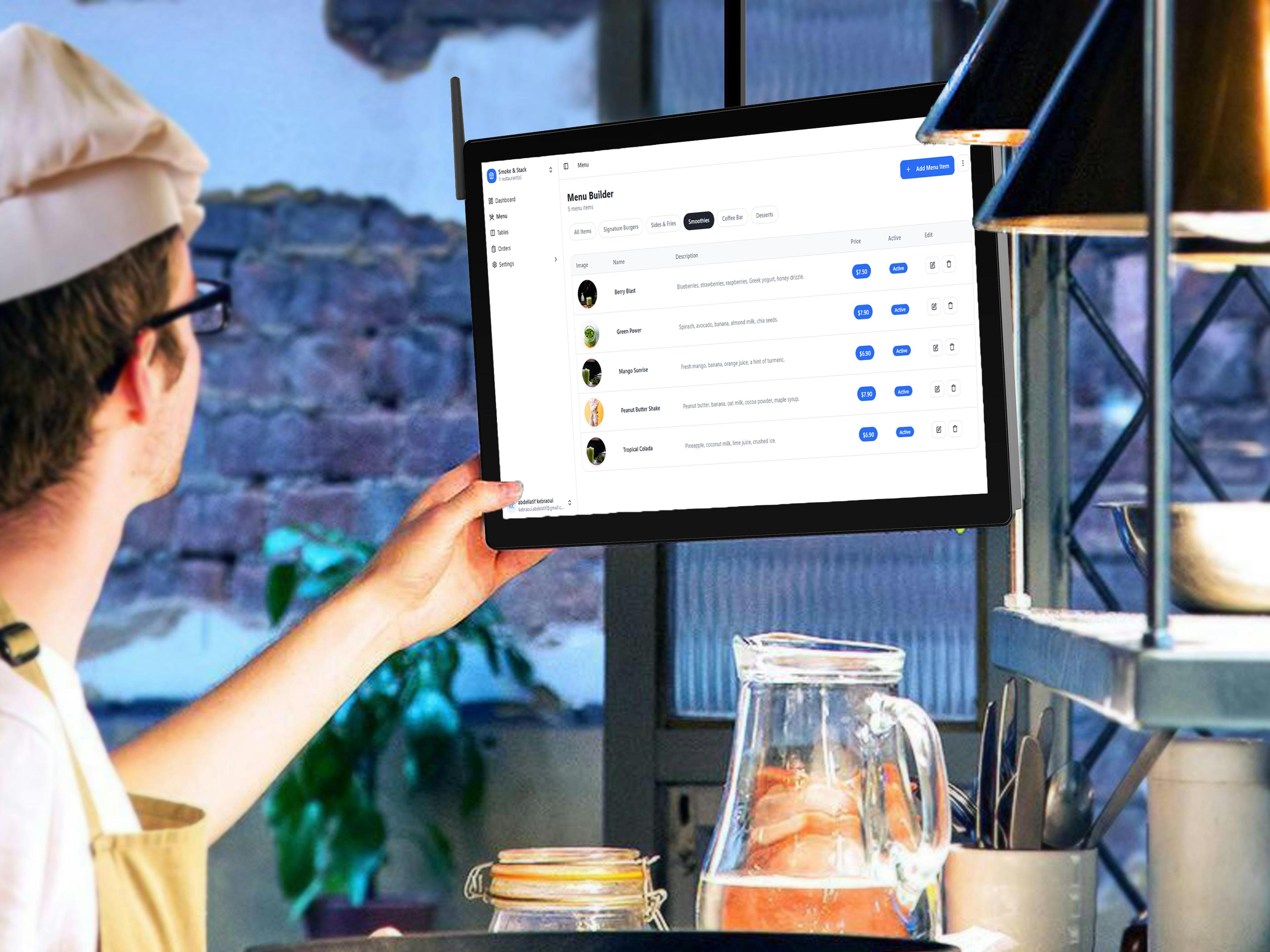
No-print menu management software runs on a simple idea: the menu exists as one digital version, editable anytime from an online dashboard. The QR code in your dining room always points to that same menu, updating instantly with every edit, no reprint ever required.
2. How No-Print Menu Management Software Works, and Is It Right for Small Restaurants
Getting started in under 30 minutes
Most independent owners pick up the tool in under half an hour. Adding a dish, editing a price, marking an item unavailable: these three actions cover most day-to-day use, and they're built to be intuitive, no technical training needed.
Editing a dish or price in seconds
In practice, changing a price takes as long as typing the new value and hitting save, a few seconds at most. The change is visible immediately to every guest scanning the QR code, even mid-service if a dish runs out.
3. What Criteria Matter When Choosing the Best Software
Simplicity, available languages, NFC, customer support
Beyond the core feature (editing your menu with no reprint), four criteria matter most: how genuinely simple the interface is day-to-day, whether multiple languages are available for an international clientele, whether NFC is offered for even faster access, and the quality of support when you have a question.
4. Compatibility With Existing POS Systems
What to check before switching tools
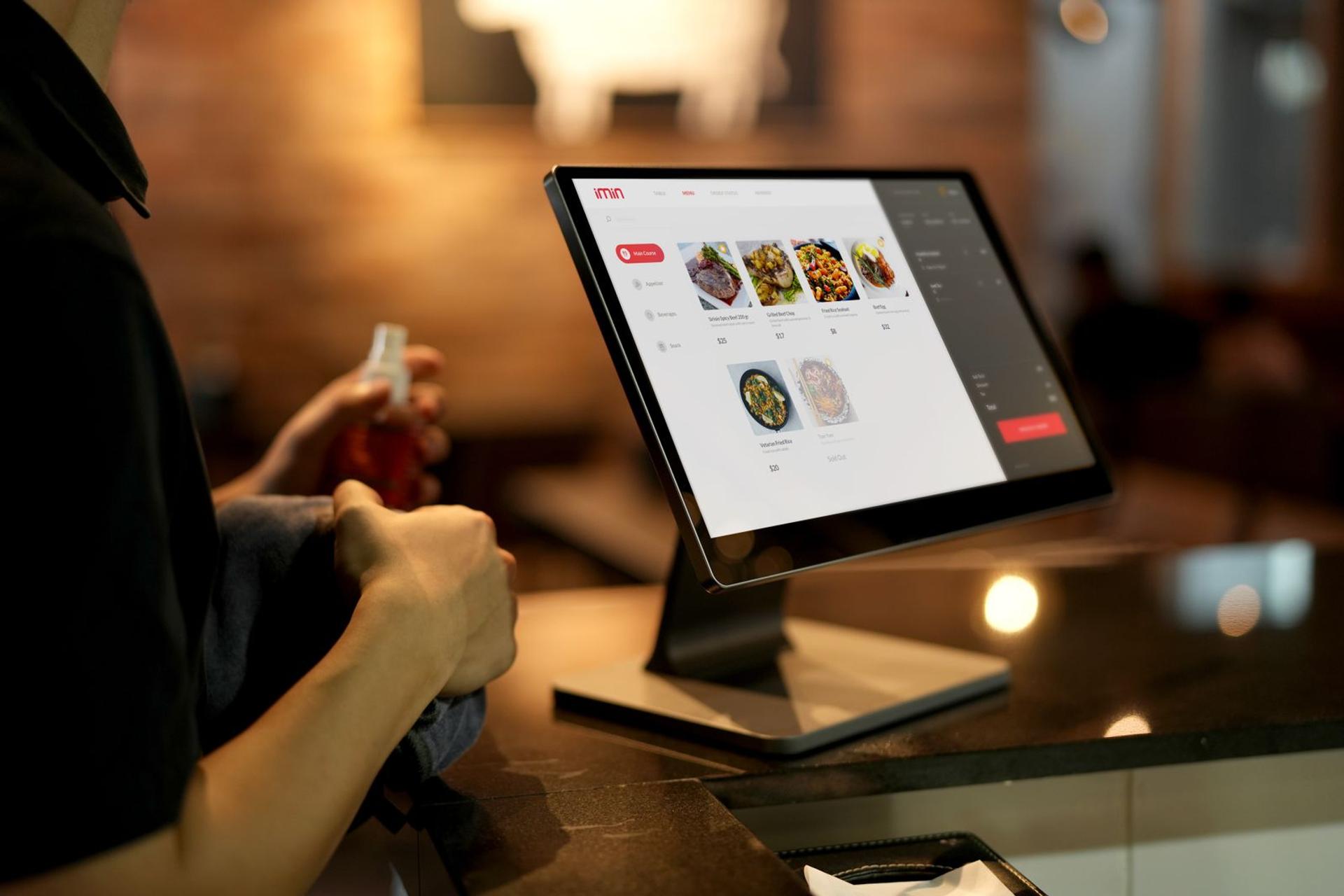
Before adopting new menu management software, confirm it doesn't require replacing your existing POS. Most digital menu platforms work alongside your current POS, no complex technical integration, but it's worth confirming before you commit.
5. How Much Does This Type of Software Cost for an Independent Restaurant
Eazmenu's indicative pricing
Eazmenu's plans start with a free tier to test a digital menu at one location, then move to paid plans starting at a modest monthly cost depending on languages and features. Full details are on our pricing page.
ROI versus the cost of paper reprints
Compared to the cumulative cost of regular reprints over a year, a menu management subscription typically pays for itself within a few months, while removing the risk of an outdated menu between print runs.
A Menu You Can Update in 10 Seconds Means You'll Never Reprint Again
No-print menu management software turns a recurring headache (reprint, re-approve, redistribute) into a simple dashboard edit. A direct time saver for the team, and a guarantee that the menu always shows the right dish at the right price, at the right moment.
To understand how a digital QR code menu works overall, read our complete guide. If you're still weighing free versus paid, our comparison of free vs paid QR code menus will help you decide.
Related Posts

Eazmenu vs Paper Menu: What Actually Changes for Your Restaurant
A direct comparison of Eazmenu's digital QR code menu against a traditional paper menu: cost, update speed, languages, and what changes for your restaurant.
Eazmenu vs a Generic QR Code Generator: What's the Real Difference
A free QR code generator just links to a PDF. Eazmenu is a full digital menu platform. Here's what actually differs and why it matters for a restaurant.
What Is a Digital Restaurant Menu? Every Option Compared
QR code, tablet, kiosk, or app - digital restaurant menus come in different forms. Here is how each one works and which is right for your restaurant.