01
Create your digital menu
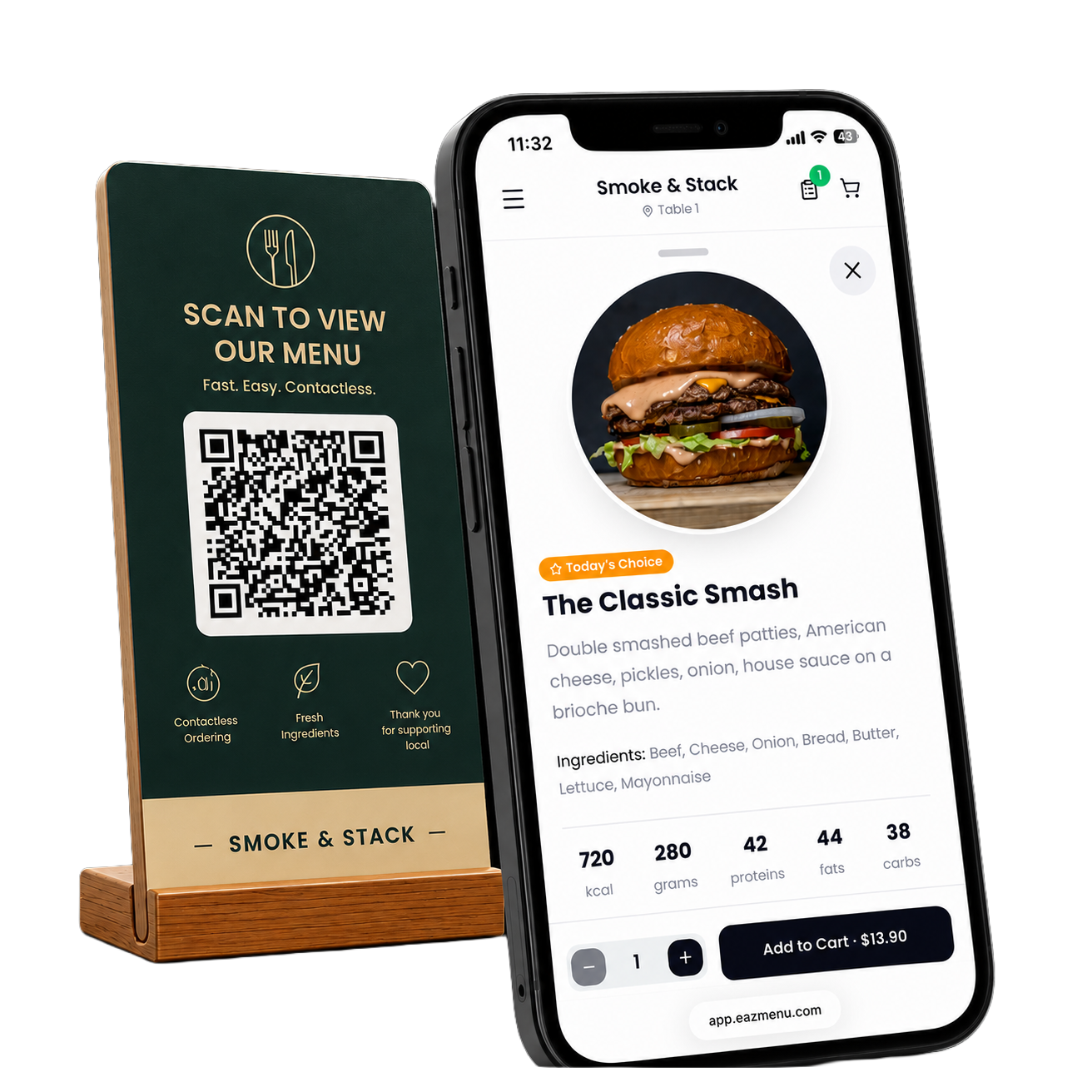
Import your existing menu or create one using our intuitive editor. Add photos, descriptions, allergens, and prices in just a few clicks.
Digital menus have become a standard expectation rather than a novelty. The National Restaurant Association's industry research tracks on-premises digital ordering as a top technology priority for operators heading into 2026, and recent hospitality research has studied how restaurants are adapting QR code menus into day-to-day service. If you're just getting started, our guide on how to digitize your restaurant menu walks through the basics, our QR code menu page covers what Eazmenu offers, and our pricing page has the plans.
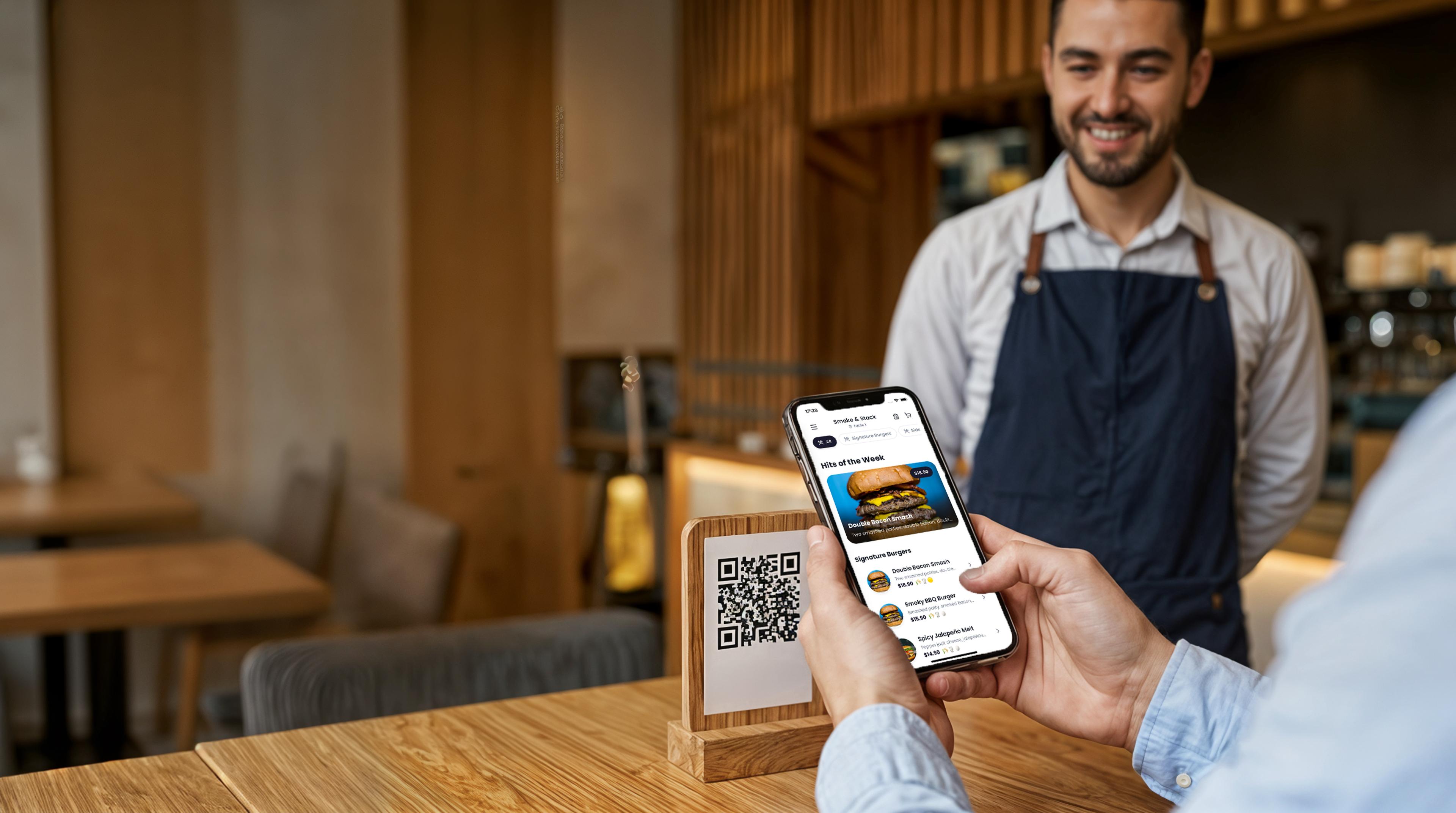
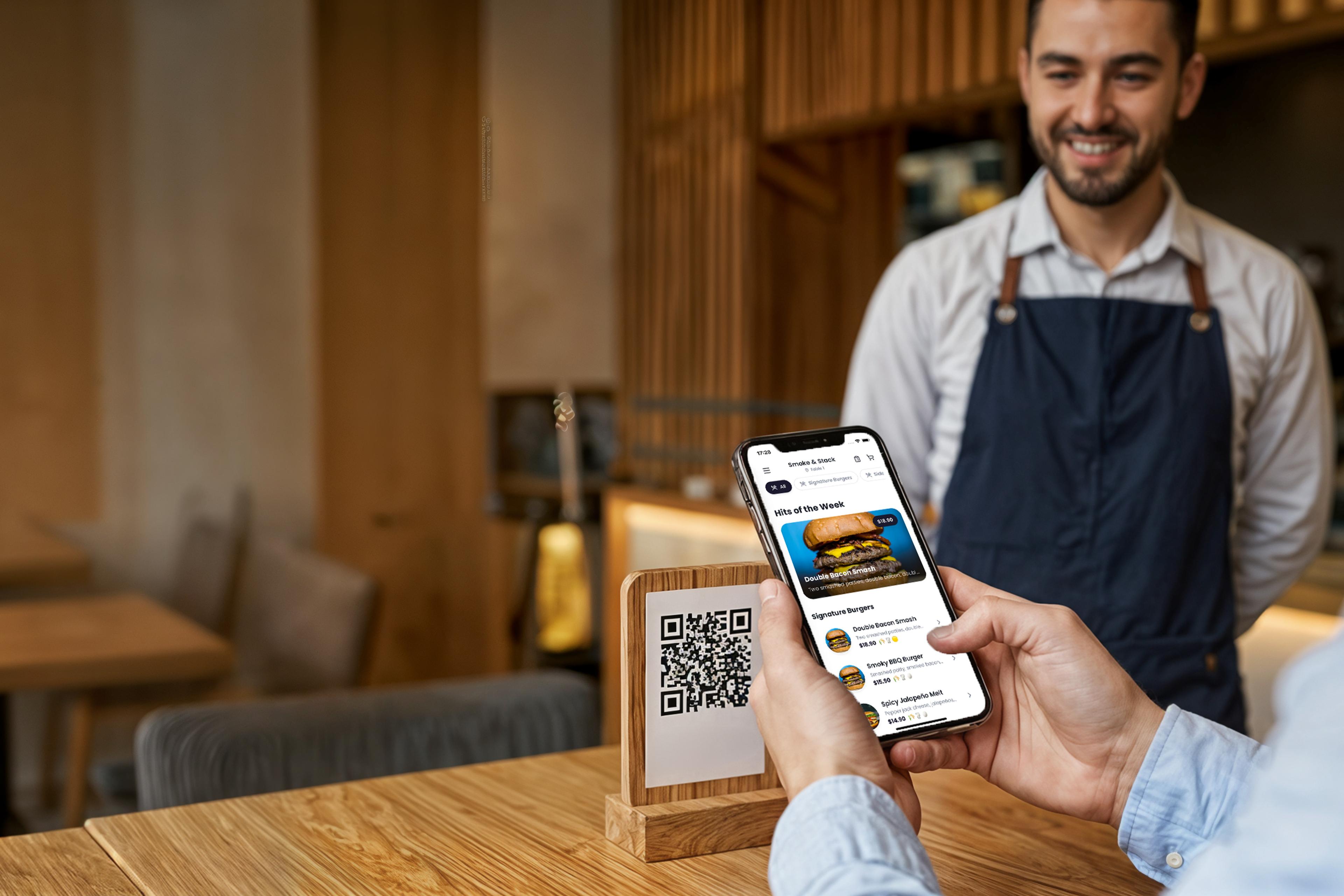
A clear digital menu that helps guests decide faster, order with confidence, and keeps service moving without extra work for your team.
Create your menu in minutes
Give guests a menu they can understand, keep tables moving, and make updates without reprinting a thing.
See pricingThey scan the QR code, read the menu, and decide faster. Less waiting, smoother table turns.
Show your menu in your guests' language automatically, so fewer orders are lost to confusion.
Add a dish, hide an item, or change a price in seconds. Your QR code stays the same.
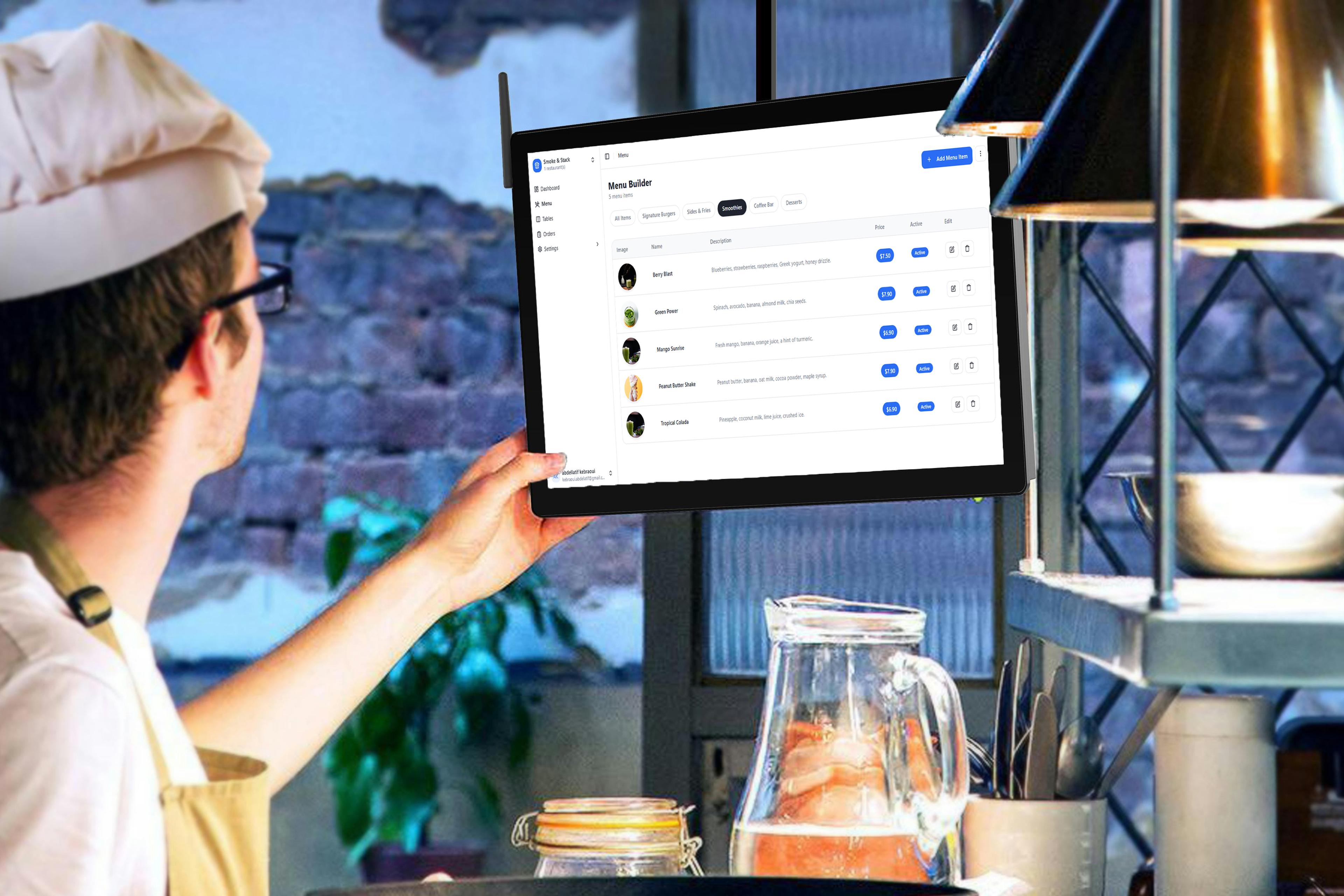
Update your digital menu once in the dashboard and every table sees the change immediately, with zero reprinting.
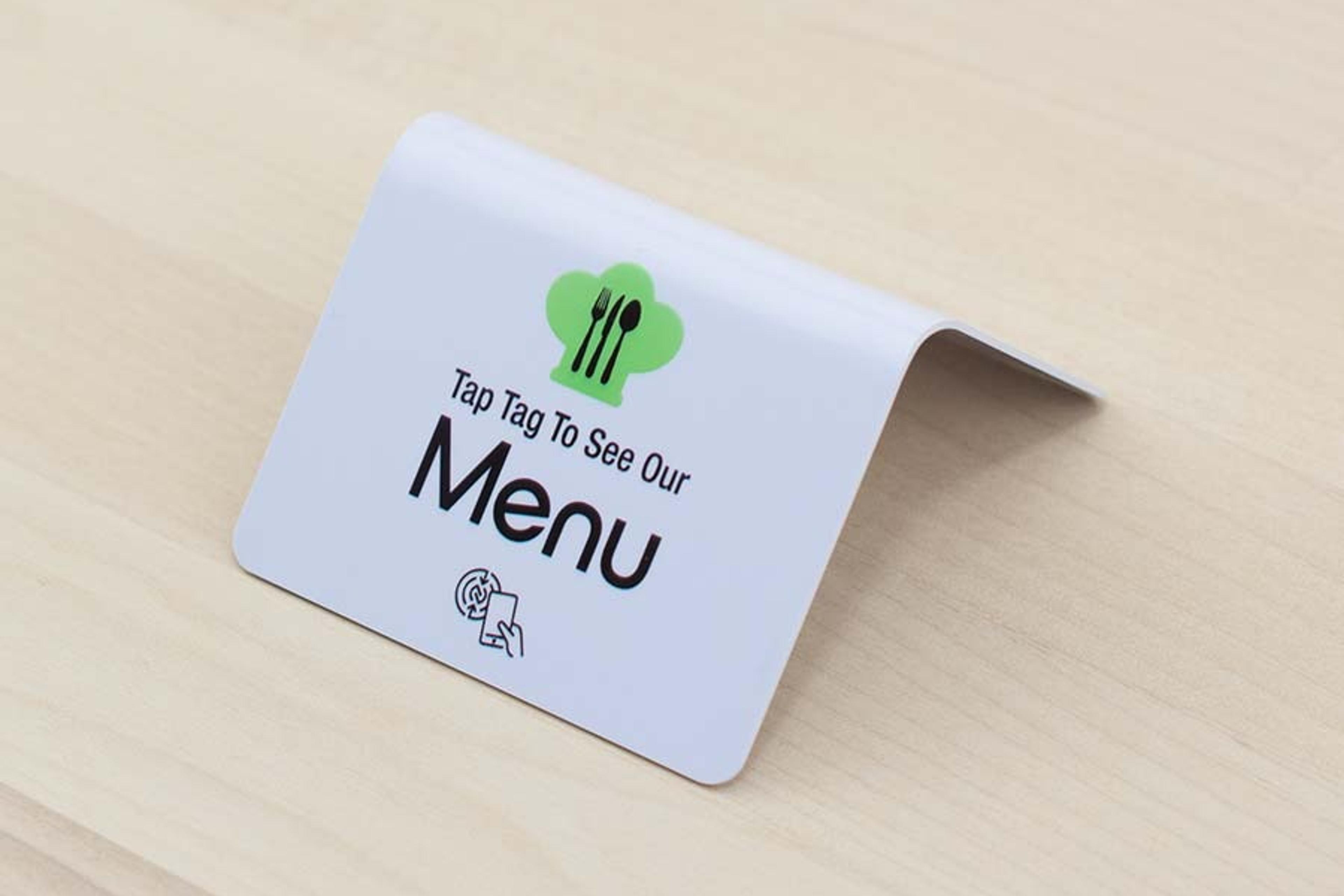
Let guests tap their phone to open the menu instantly when you want an even smoother first step.
From small cafés to hotel restaurants, EazMenu works for every type of venue
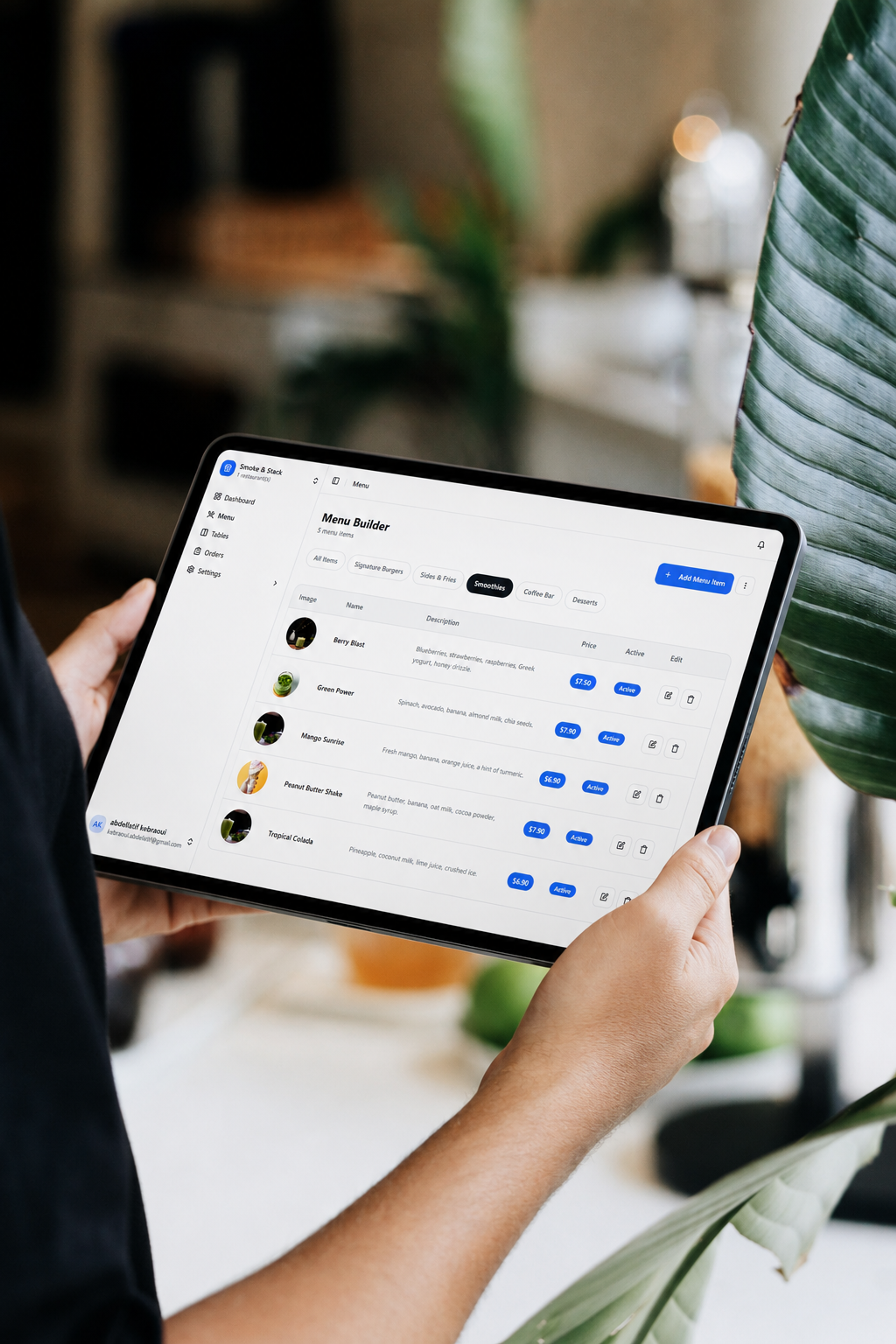
Update prices, add daily specials, or mark items out of stock in real time from any device. No reprinting, no delays
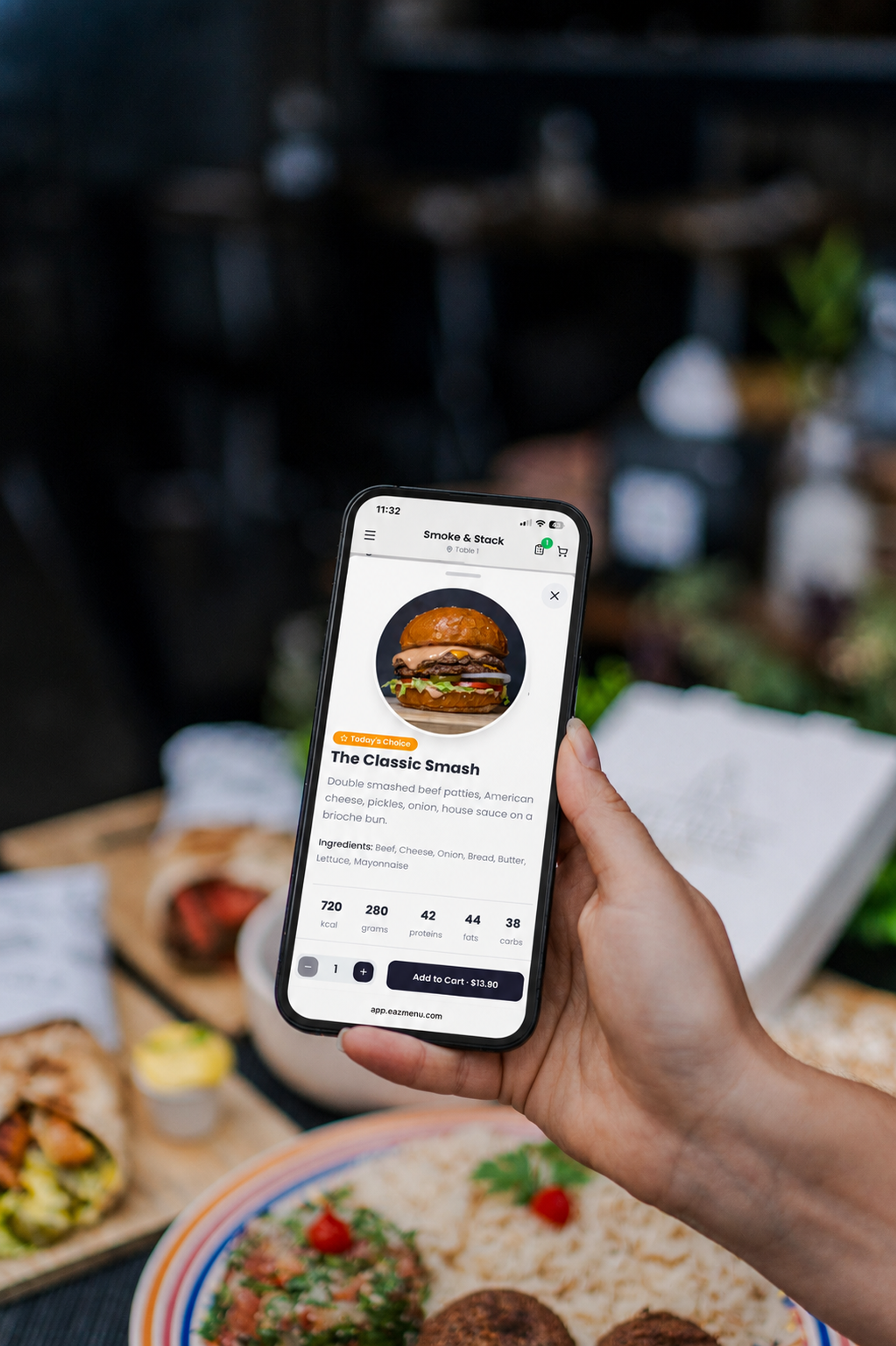
When everything is easy to understand, customers stop hesitating. They choose faster, and more visits turn into real orders.
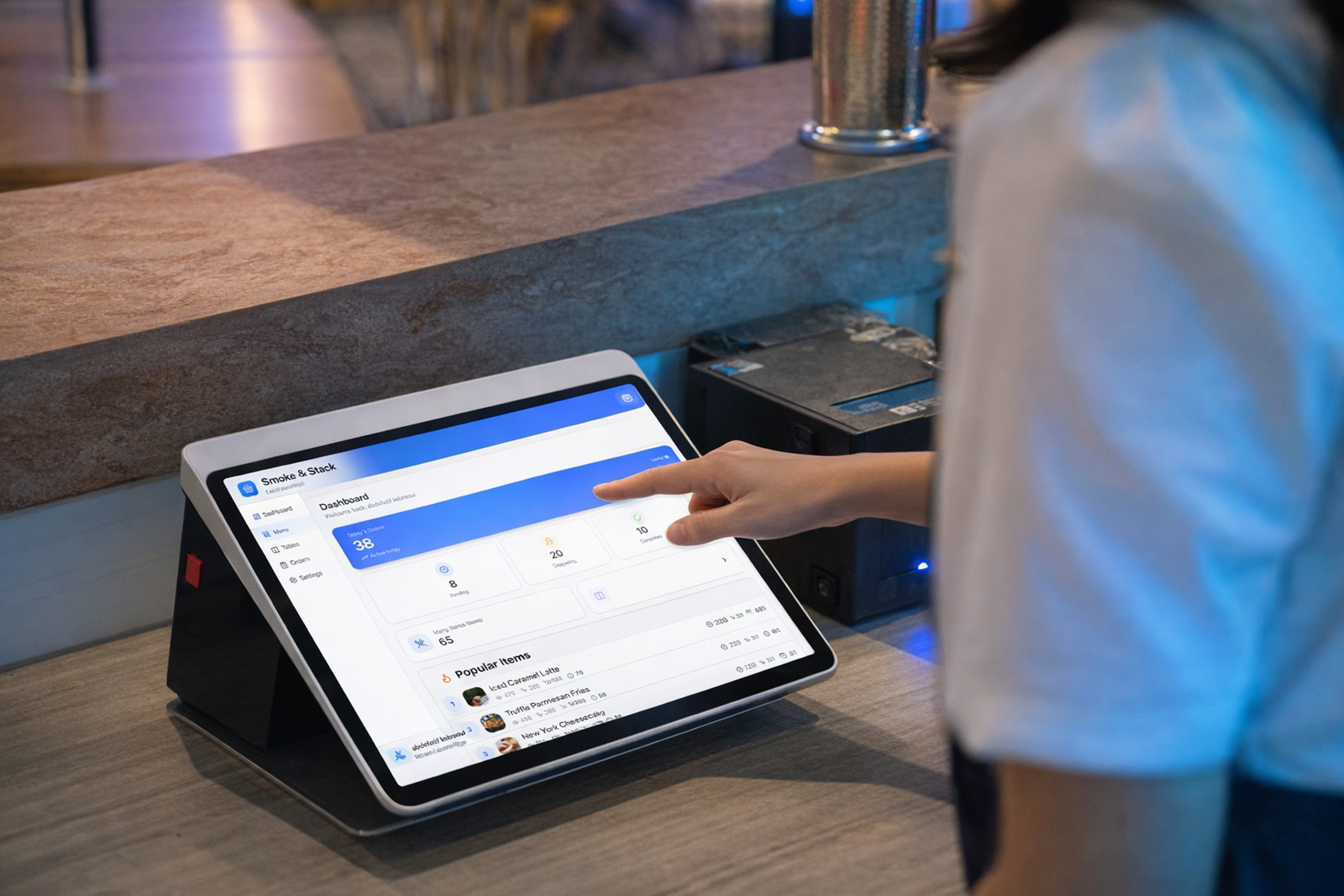
Faster decisions mean faster service. You handle more tables without adding staff.
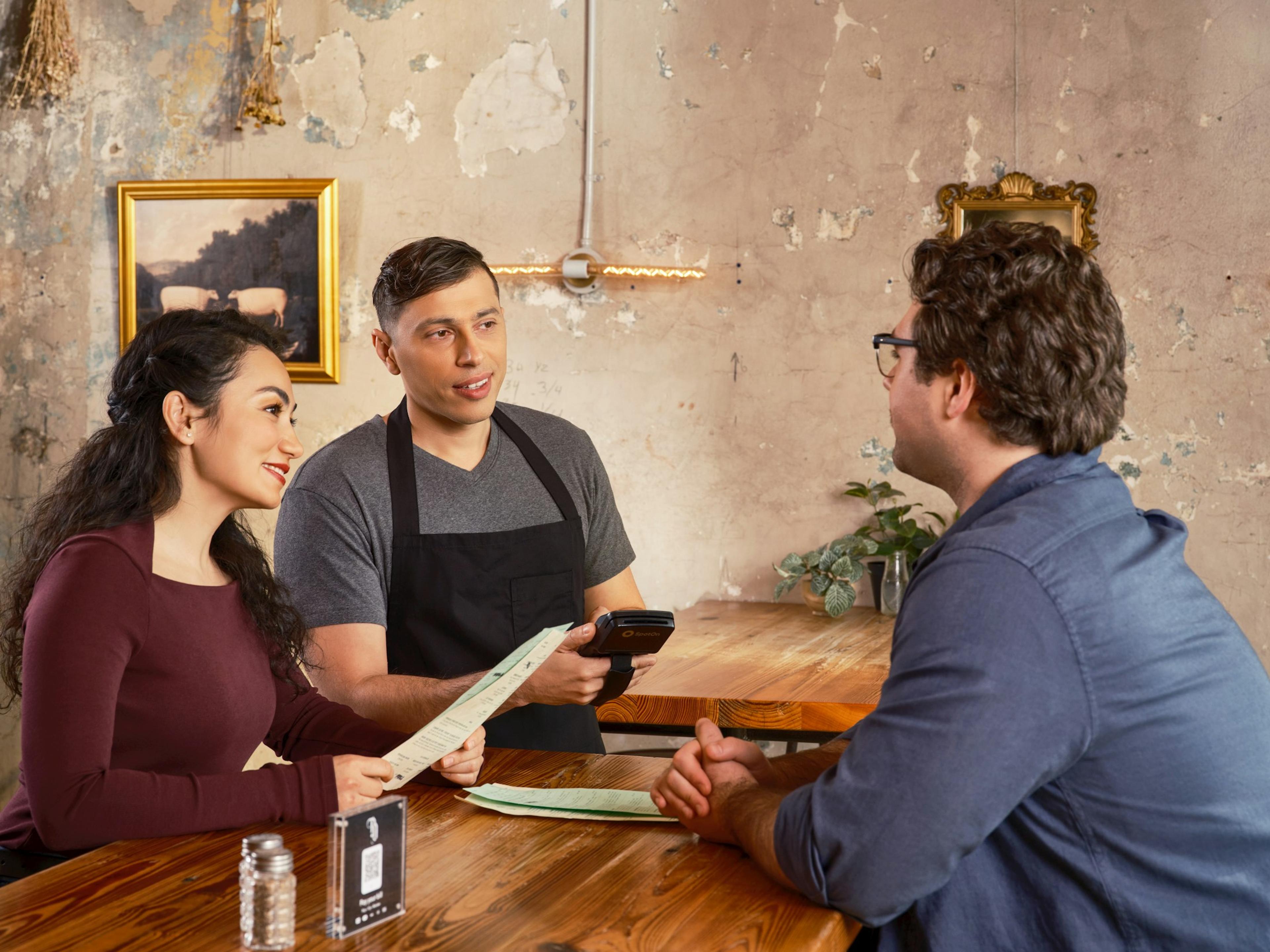
Fewer questions, fewer misunderstandings. A smoother flow, even during busy hours.
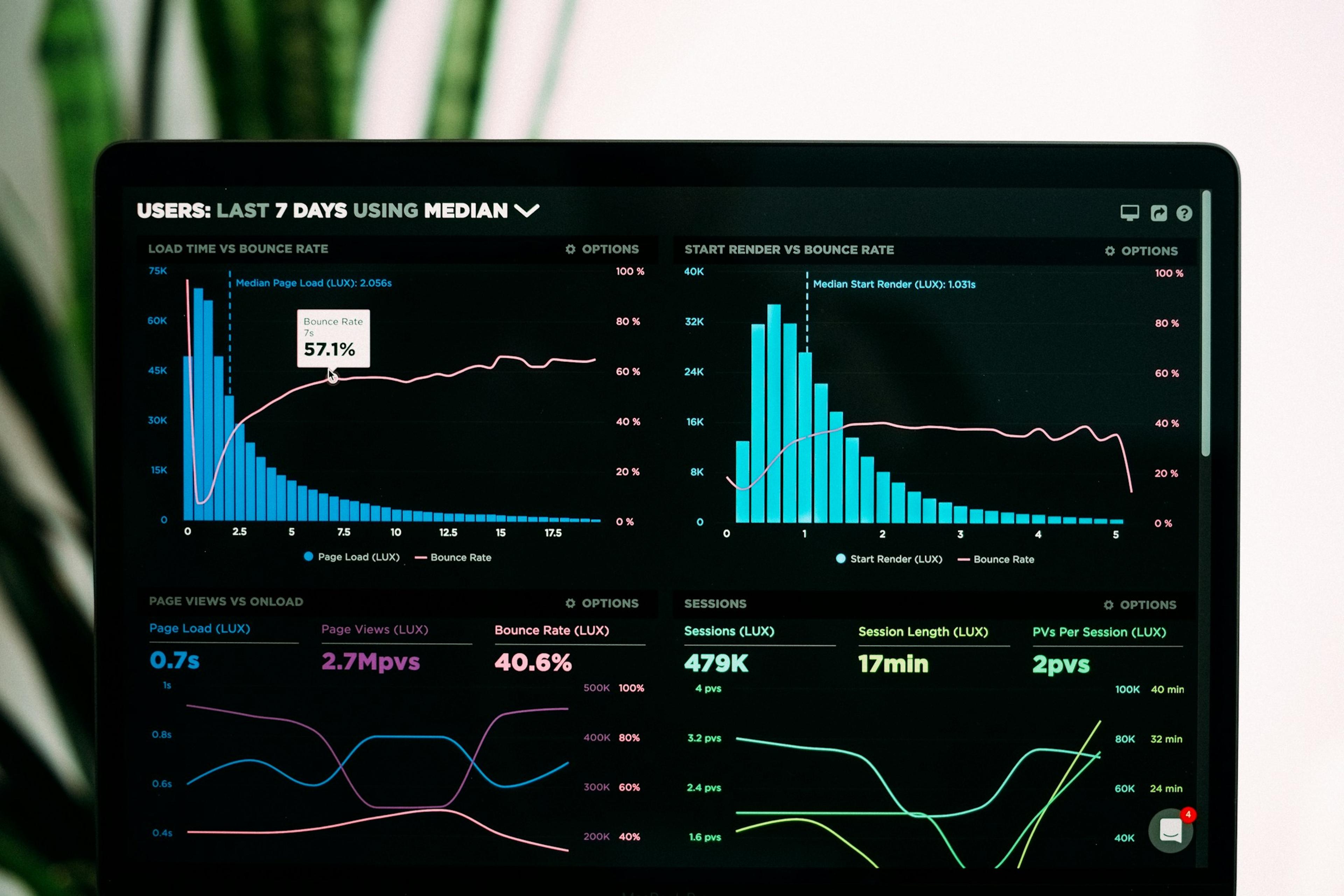
Customers often skip items or choose less by default. A clear menu helps you recover those lost opportunities.
How it works?
01
Import your existing menu or create one using our intuitive editor. Add photos, descriptions, allergens, and prices in just a few clicks.
02
Instantly obtain your QR codes, which you can personalize with your establishment's colors. Display them on your tables, in your window, or at the entrance.
03
They scan, browse in their own language, and order directly. You receive the orders in real time. Zero errors, zero friction.
Works on all smartphones
We usually reply within one business day with the best-fit plan and the next steps for your launch.
Share what you need and we will reply with the right plan, setup options, and next steps.